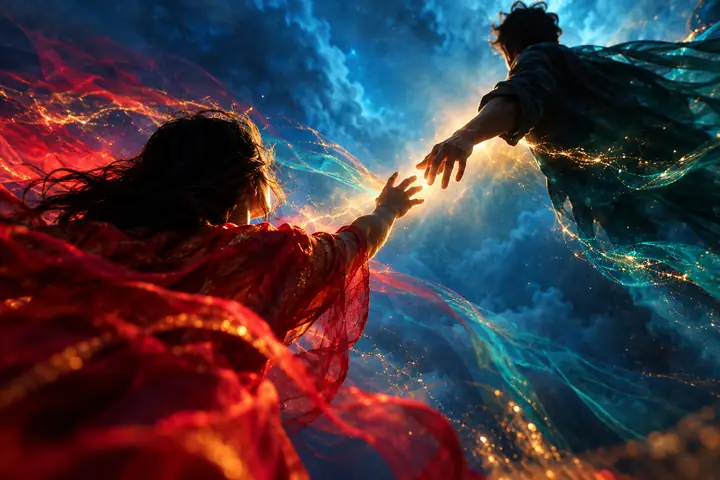
01 / Words
Write it. See it move.
Describe a moment, a mood, or a camera move and start a text-to-video creation.
Explore text-to-videoHedra.site / visual AI guide
A clearer starting point for AI video and images. Turn a written idea into a clip, bring a still to life, or shape an image before it moves.
These links open a separate AI video and image studio. Sign-in and credits are required to generate.

01 / Choose your starting point
Start with the material you have. Each path leads to a separate creative studio to make something new.
01 / WordsDescribe a moment, a mood, or a camera move and start a text-to-video creation.
Explore text-to-video 02 / Stills
Begin with an image and use image-to-video to explore what happens next.
Explore image-to-video 03 / Images
Generate or edit an image to develop the look of your idea before you animate it.
Explore image tools02 / Make your first move
There is no generator on this page. Use the guide to choose a workflow, then create in the separate partner studio.
Use a description for text-to-video, an existing still for image-to-video, or begin with an image.
Follow a studio link and sign in before starting a generation.
Generation uses credits. Try a new description, image, or edit as you develop the result.
03 / Your next frame
Take your concept into the linked video and image studio. A separate account and credits are needed to generate.
Open the creative studio